How Two-Factor Authentication Works: A Complete Guide
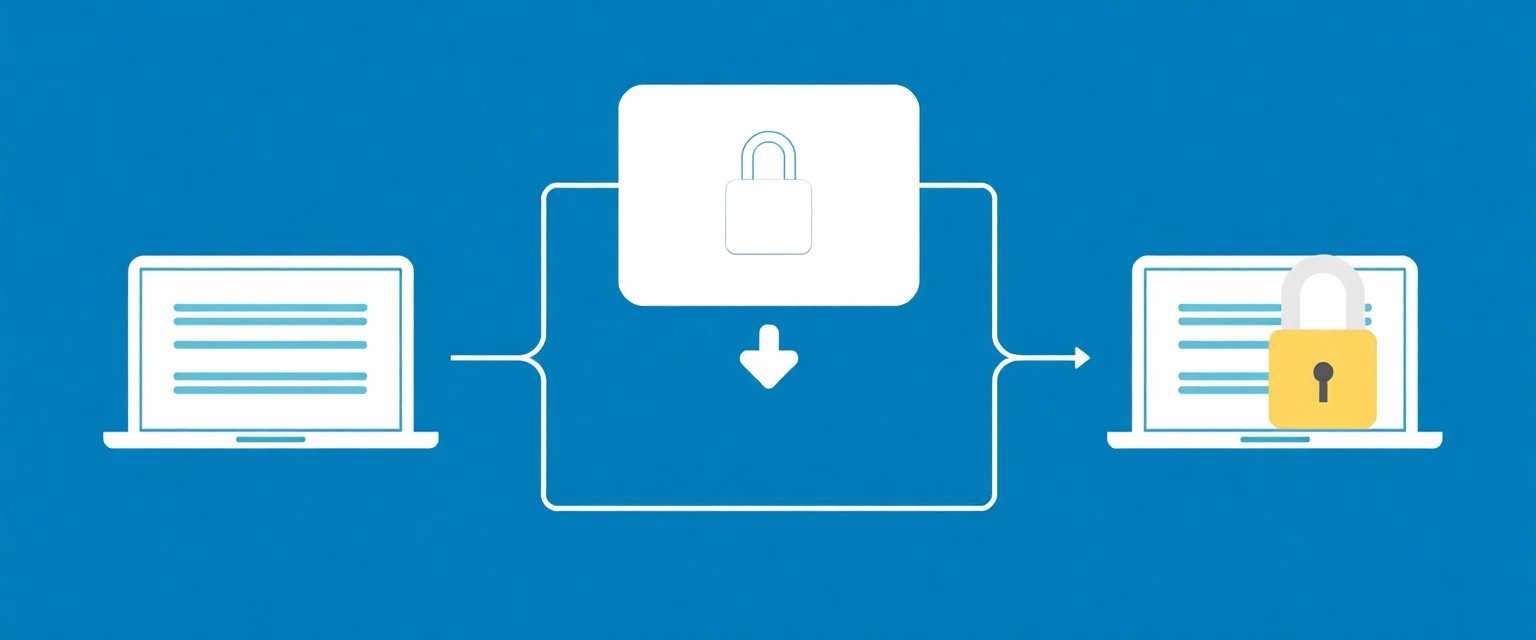
Two-factor authentication (2FA) has become one of the most effective defenses against account compromise, yet many users don't fully understand how it works. This security method transforms your login from a single point of failure into a multi-layered verification system that dramatically reduces the risk of unauthorized access.
What Is Two-Factor Authentication?
Two-factor authentication requires you to provide two different types of evidence to verify your identity before accessing an account. This approach builds on three fundamental authentication factors: something you know (like a password), something you have (like a phone or security key), and something you are (like a fingerprint).
Traditional password-only authentication relies entirely on the "something you know" factor. If someone discovers your password, they gain complete access to your account. Two-factor authentication eliminates this vulnerability by requiring proof from a second, independent factor.
The security improvement is substantial because an attacker would need to compromise both your password and your second factor simultaneously—which is significantly more difficult and often impractical for large-scale attacks.
Common Two-Factor Authentication Methods
SMS text message codes are the most widely recognized form of 2FA. When you log in, the service sends a temporary numeric code to your registered phone number. You enter this code along with your password to complete authentication. While convenient, SMS-based 2FA has notable limitations, including vulnerability to SIM swapping attacks and dependence on cellular network availability.
Authenticator apps like Google Authenticator, Microsoft Authenticator, and Authy generate time-based codes using the TOTP (Time-based One-Time Password) standard. These apps create six-digit codes that change every 30 seconds, synchronized with the service's servers. Unlike SMS, authenticator apps work offline and don't rely on your phone number, making them more secure and reliable.
Hardware security keys represent the most secure 2FA option available. These physical devices follow the FIDO2 protocol and plug into your computer's USB port or connect via Bluetooth. When prompted, you simply tap or press the key to authenticate. Hardware keys are virtually immune to phishing attacks and don't require network connectivity.
Push notifications offer a user-friendly alternative where the service sends an approval request directly to your authenticated device. You simply tap "approve" or "deny" in the notification. Many authenticator apps now include this feature alongside traditional TOTP codes.
Biometric verification can serve as a second factor, using fingerprints, facial recognition, or voice patterns. Modern smartphones often integrate biometric 2FA seamlessly into their security systems, though biometrics are typically used in combination with other factors rather than as standalone second factors.
The Technical Process Behind 2FA
The technical foundation of 2FA begins during initial setup, when your device and the service establish a shared secret key. For authenticator apps, this often happens by scanning a QR code that contains the secret key information. This key is stored securely on your device and on the service's servers.
TOTP authentication relies on precise time synchronization between your device and the service's servers. Both sides use the shared secret key combined with the current time (divided into 30-second intervals) to generate identical codes. The mathematical algorithm ensures that the same inputs always produce the same output, but the constantly changing time component creates codes that expire quickly.
During server-side verification, the service doesn't just check if your code matches the current expected value. Most implementations accept codes from the previous and next time windows as well, accounting for minor clock differences and the time needed to enter the code. This typically creates a 90-second acceptance window around the nominal 30-second period.
Backup codes provide a crucial safety net when your primary 2FA method becomes unavailable. These are pre-generated, single-use codes that you should store securely offline. Each backup code can typically be used only once, and services usually provide 8-10 codes during initial 2FA setup.
Security Benefits and Risk Reduction
Two-factor authentication provides exceptional protection against the most common forms of account compromise. Password breaches, which affect millions of accounts annually, become largely ineffective when 2FA is enabled. Even if attackers obtain your password from a data breach, they still need access to your second factor to compromise your account.
Credential stuffing attacks, where cybercriminals use automated tools to try stolen username-password combinations across multiple sites, are similarly thwarted by 2FA. These automated attacks can't easily obtain or input the second authentication factor, making them impractical against 2FA-protected accounts.
Government cybersecurity agencies strongly advocate for 2FA adoption. NIST guidelines recommend multi-factor authentication for all sensitive systems, while CISA includes 2FA activation as one of its core cybersecurity recommendations for both individuals and organizations.
However, 2FA isn't invulnerable. SIM swapping attacks can compromise SMS-based 2FA by transferring your phone number to an attacker's device. Sophisticated phishing attacks can sometimes capture both passwords and 2FA codes in real-time. These limitations highlight why security experts often recommend hardware keys or authenticator apps over SMS-based 2FA when possible.
Setting Up and Using 2FA
Most major platforms follow a similar 2FA setup process. You'll typically find the option in your account security settings, often labeled as "Two-Factor Authentication," "Multi-Factor Authentication," or "Login Verification." The setup process usually begins with verifying your identity using your current password.
When choosing between 2FA methods, prioritize security based on your needs. Hardware security keys offer the strongest protection, especially for high-value accounts like banking or work systems. Authenticator apps provide an excellent balance of security and convenience for most users. Reserve SMS-based 2FA for situations where other options aren't available.
Proper backup code management is essential for maintaining account access. Store your backup codes in a secure location separate from your primary device—consider a password manager, secure note-taking app, or even printed copies in a safe location. Never store backup codes in easily accessible locations like email drafts or phone photos.
Managing 2FA across multiple devices requires planning ahead. Most authenticator apps offer cloud backup options to sync your accounts across devices. When setting up 2FA, consider whether you'll need access from multiple devices and configure your backup methods accordingly. Some users maintain authenticator apps on both their primary phone and a backup device to ensure continued access.